Skip to content
View in the app

A better way to browse. Learn more.

Wanderers Ways. Neil Thompson 1961-2021

A full-screen app on your home screen with push notifications, badges and more.

To install this app on iOS and iPadOS
  1. Tap the Share icon in Safari
  2. Scroll the menu and tap Add to Home Screen.
  3. Tap Add in the top-right corner.
To install this app on Android
  1. Tap the 3-dot menu (⋮) in the top-right corner of the browser.
  2. Tap Add to Home screen or Install app.
  3. Confirm by tapping Install.

Casino

Moderators
  • Joined

  • Last visited

  1. People ask why I cant be arsed Are we down yet?
  2. Teflon Key?
  3. Looks like we are all Binface
  4. Advance singles, ie fixed trains are mid 70s Without a railcard
  5. Casino replied to Zico's topic in Terrace Talk
    No joy But i think ive added some functionality Click your name Account settings Content preferences You can play with views Im trying to give the ability to do more with themes but not got it yet
  6. Casino replied to Zico's topic in Terrace Talk
    Ive just had a play Im going to log in as you and check
  7. Casino replied to Zico's topic in Terrace Talk
    Does anybody get that view
  8. Casino replied to Zico's topic in Terrace Talk
    Are people not seeing this This is on a tablet, desktop view
  9. Casino replied to Zico's topic in Terrace Talk
  10. Still there
  11. Casino replied to Zico's topic in Terrace Talk
    So, it can be changed, but not sure it can be done on an inividual basis Is the dark mode any better The half moon, bottom left?
  12. Casino replied to Zico's topic in Terrace Talk
    It explodes your device
  13. Casino replied to Zico's topic in Terrace Talk
    Just checked, you cant can you Ill see if theres something to allow you to change it Whats the problem with it?
  14. Casino replied to Zico's topic in Terrace Talk
    Or Click your name top of screen You will see theme editor Typography Colour or something
  15. Casino replied to Zico's topic in Terrace Talk
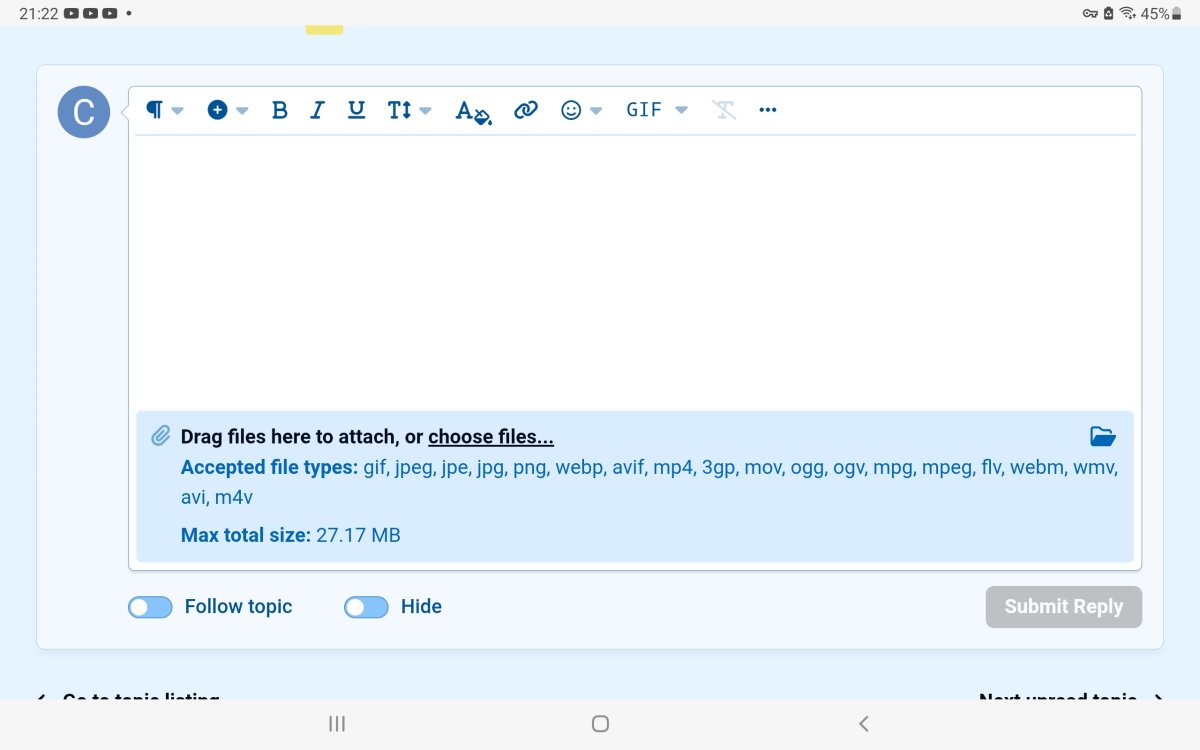
    Can you screenshot your view on to here

Account

Navigation

Search

Search

Configure browser push notifications

Chrome (Android)
  1. Tap the lock icon next to the address bar.
  2. Tap Permissions → Notifications.
  3. Adjust your preference.
Chrome (Desktop)
  1. Click the padlock icon in the address bar.
  2. Select Site settings.
  3. Find Notifications and adjust your preference.