Skip to content
View in the app

A better way to browse. Learn more.

Wanderers Ways. Neil Thompson 1961-2021

A full-screen app on your home screen with push notifications, badges and more.

To install this app on iOS and iPadOS
  1. Tap the Share icon in Safari
  2. Scroll the menu and tap Add to Home Screen.
  3. Tap Add in the top-right corner.
To install this app on Android
  1. Tap the 3-dot menu (⋮) in the top-right corner of the browser.
  2. Tap Add to Home screen or Install app.
  3. Confirm by tapping Install.

Site Upgrade

you may have noticed things look different

the site has been due an upgrade for a while, but needed to be done manually on the server

so been waiting on the IT company to do it

looks like they kicked off the process

then I found I then needed to click a button in the admin to continue

and some bits may have timed out and not updated properly

so if it breaks on you, let me know

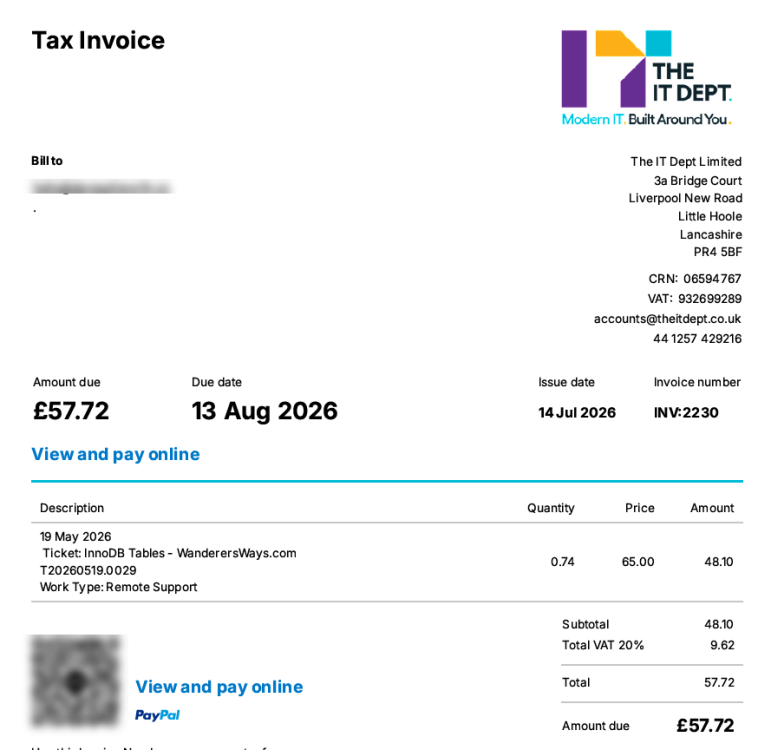
they may also send an invoice for their time

will let you know if they do

  • Replies 128
  • Views 6.5k
  • Created
  • Last Reply

Top Posters In This Topic

Most Popular Posts

  • Jol_BWFC
    Jol_BWFC

    It’s still there, but the blue star/dot is tiny, so it’s hard to actually click on it. Keep missing it and get taken to the first page. It would be good if that could be made bigger.

  • donkeyshorn
    donkeyshorn

    Touch the light bulb. Very bottom left of the page.

  • renewed wanderersways.com for the next 5 years - £115 leaves £425 in the pot

Posted Images

Featured Replies

4 minutes ago, desperado said:

What?! We aren’t signing Cameron Branagan?!

Every single time

Edited by deeane Koontz

1 hour ago, Zico said:

yeah will see if I can switch that off

I'm just happy it's in dark mode. Hurt my eyes the old set up 😁

1 hour ago, desperado said:

What?! We aren’t signing Cameron Branagan?!

Time yet!

Join the conversation

You can post now and register later. If you have an account, sign in now to post with your account.
Note: Your post will require moderator approval before it will be visible.

Guest
Reply to this topic...

Account

Navigation

Search

Search

Configure browser push notifications

Chrome (Android)
  1. Tap the lock icon next to the address bar.
  2. Tap Permissions → Notifications.
  3. Adjust your preference.
Chrome (Desktop)
  1. Click the padlock icon in the address bar.
  2. Select Site settings.
  3. Find Notifications and adjust your preference.