Skip to content
View in the app

A better way to browse. Learn more.

Wanderers Ways. Neil Thompson 1961-2021

A full-screen app on your home screen with push notifications, badges and more.

To install this app on iOS and iPadOS
  1. Tap the Share icon in Safari
  2. Scroll the menu and tap Add to Home Screen.
  3. Tap Add in the top-right corner.
To install this app on Android
  1. Tap the 3-dot menu (⋮) in the top-right corner of the browser.
  2. Tap Add to Home screen or Install app.
  3. Confirm by tapping Install.

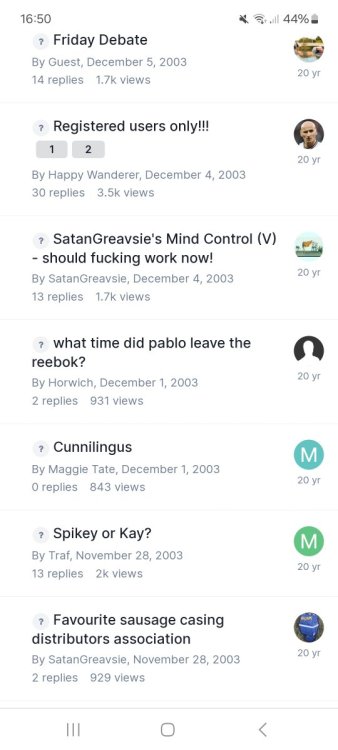
One for the original WWAyers on here

  • Replies 76
  • Views 6.8k
  • Created
  • Last Reply

Top Posters In This Topic

Most Popular Posts

  • Carlos the Greek and Horwich too? Garrp and Jules but they don't post anymore. I had a bit of a hiatus in the 00s as I didn't have the Internet and always had a shit broken phone. Came

  • So we've all been talking shit to each other on here for over 25 years? Fuck me we are bunch of saddos

Posted Images

Featured Replies

7 hours ago, Horwich said:

I thought that was your name 🤷🏻‍♂️

Introduced him to my dad as Undies at Gigg Lane.

Join the conversation

You can post now and register later. If you have an account, sign in now to post with your account.
Note: Your post will require moderator approval before it will be visible.

Guest
Reply to this topic...

Important Information

By using this site, you agree to our Terms of Use.

Account

Navigation

Search

Search

Configure browser push notifications

Chrome (Android)
  1. Tap the lock icon next to the address bar.
  2. Tap Permissions → Notifications.
  3. Adjust your preference.
Chrome (Desktop)
  1. Click the padlock icon in the address bar.
  2. Select Site settings.
  3. Find Notifications and adjust your preference.