My Brother is having his leg amputated
- Replies 179
- Views 9.5k
- Created
- Last Reply
Top Posters In This Topic
-
gonzo 31 posts
-
royal white 16 posts
-
Tonge moor green jacket 13 posts
-
Ani 9 posts



Most Popular Posts
-
Thanks for all the support folks. From the bottom of my heart, thankyou all so much. The best and hardest thing I've ever done in my life.
-
-
Never ceases to amaze me this place. As much as we all bicker and spend days on end waffling shite to eachother I know we've all got eachothers backs. The support from folk on here has been
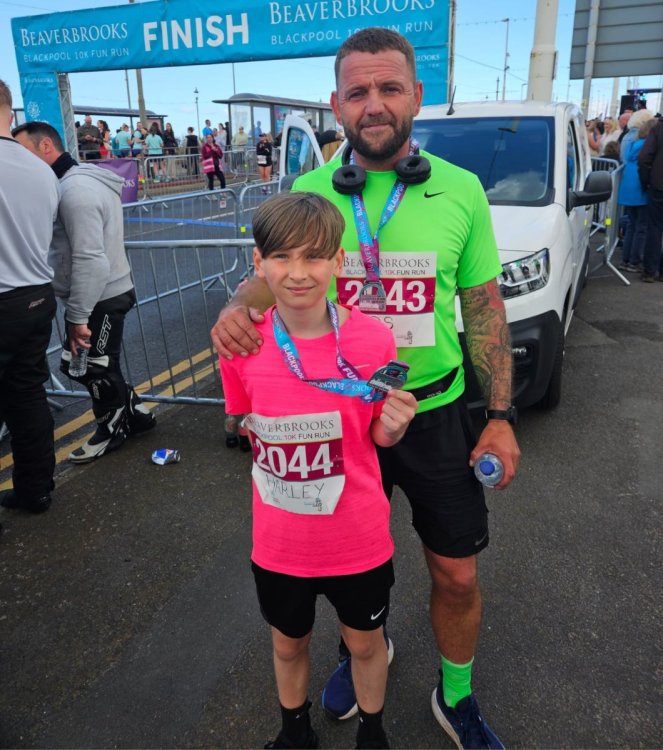
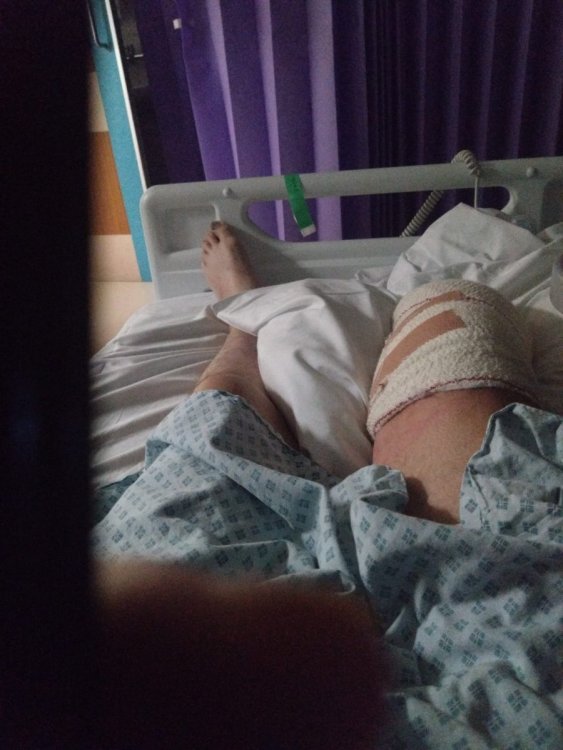


...and I'm running a marathon to raise cash for his recovery and hopefully get him a better leg than the clog on a stick the NHS will give him
A lot of you will already know the story, but on a dark October morning back 2022 my brother Ant suffered catastrophic injuries after falling off the ledge of a property we worked on together.
He pretty much broke every bone in both legs including heel, ankle a triple open compound fracture on his right leg.
Fast forward 3&half years, 10 operations, skin transplants and a gazillion complications he's reached the point where his right leg is being amputated.
This despite all the best efforts from all involved in trying to save his leg, the constant chronic pain, infections and various other complications has left him with no other option.
After the amputation he will face a long and tough recovery but hopefully this decision will get him his life back and start again with the best prosthetic leg we can get him.
Thank you in advance for any donations to aid him through his recovery.
My marathon is in Manchester on 19th April 2026
https://www.justgiving.com/crowdfunding/adam-rramsden1958?utm_medium=CF&utm_source=WA
Thanks in advance for any donations chaps.
Best put the bacon butty down.