Skip to content
View in the app

A better way to browse. Learn more.

Wanderers Ways. Neil Thompson 1961-2021

A full-screen app on your home screen with push notifications, badges and more.

To install this app on iOS and iPadOS
  1. Tap the Share icon in Safari
  2. Scroll the menu and tap Add to Home Screen.
  3. Tap Add in the top-right corner.
To install this app on Android
  1. Tap the 3-dot menu (⋮) in the top-right corner of the browser.
  2. Tap Add to Home screen or Install app.
  3. Confirm by tapping Install.

Crisp Watch

Took a liking to these Walkers Spicy mix ups.

  • Replies 155
  • Views 10.2k
  • Created
  • Last Reply

Top Posters In This Topic

Most Popular Posts

Posted Images

Featured Replies

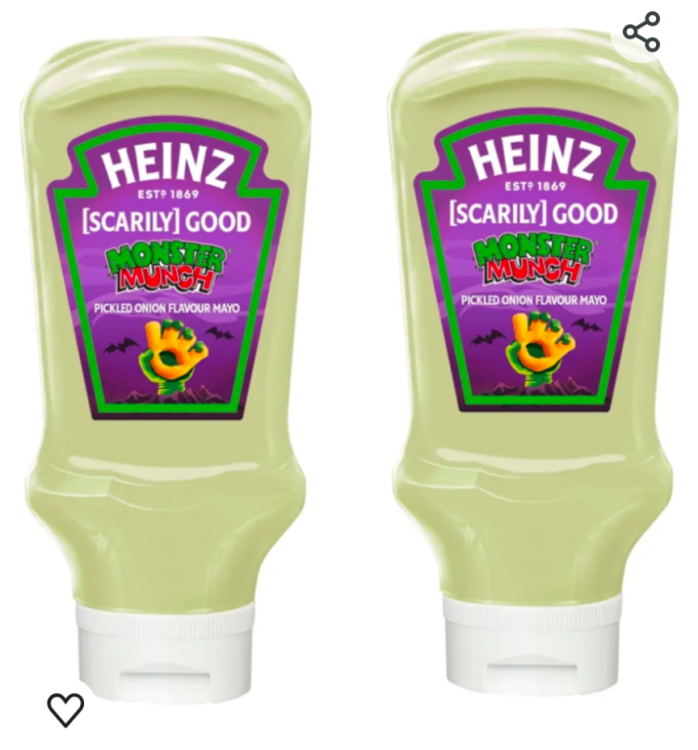
Nope but I got some pickle onion monster munch mayonnaise for Halloween.


5 minutes ago, Zico said:

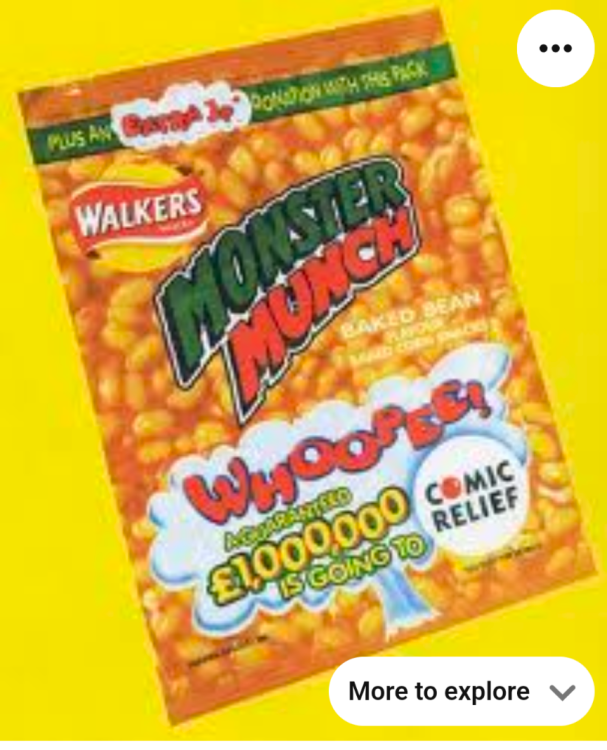
Did anyone know that these ever existed? Has anyone ever had them?


zweEYcNG7ovhJxlPy2bo-GBg1xwBaHUcByz2V3iERkY.jpg

that sounds revolting

51 minutes ago, Not in Crawley said:

Nope but I got some pickle onion monster munch mayonnaise for Halloween.


Yes, so whilst looking into all this some more in I came across that and this 


Screenshot_20250226-195936.png

Screenshot_20250226-195820.png

  • 2 weeks later...

Join the conversation

You can post now and register later. If you have an account, sign in now to post with your account.
Note: Your post will require moderator approval before it will be visible.

Guest
Reply to this topic...

Important Information

By using this site, you agree to our Terms of Use.

Account

Navigation

Search

Search

Configure browser push notifications

Chrome (Android)
  1. Tap the lock icon next to the address bar.
  2. Tap Permissions → Notifications.
  3. Adjust your preference.
Chrome (Desktop)
  1. Click the padlock icon in the address bar.
  2. Select Site settings.
  3. Find Notifications and adjust your preference.