Skip to content
View in the app

A better way to browse. Learn more.

Wanderers Ways. Neil Thompson 1961-2021

A full-screen app on your home screen with push notifications, badges and more.

To install this app on iOS and iPadOS
  1. Tap the Share icon in Safari
  2. Scroll the menu and tap Add to Home Screen.
  3. Tap Add in the top-right corner.
To install this app on Android
  1. Tap the 3-dot menu (⋮) in the top-right corner of the browser.
  2. Tap Add to Home screen or Install app.
  3. Confirm by tapping Install.

BattleNips: Advent

  • Replies 1k
  • Views 40.8k
  • Created
  • Last Reply

Top Posters In This Topic

Most Popular Posts

Posted Images

Featured Replies

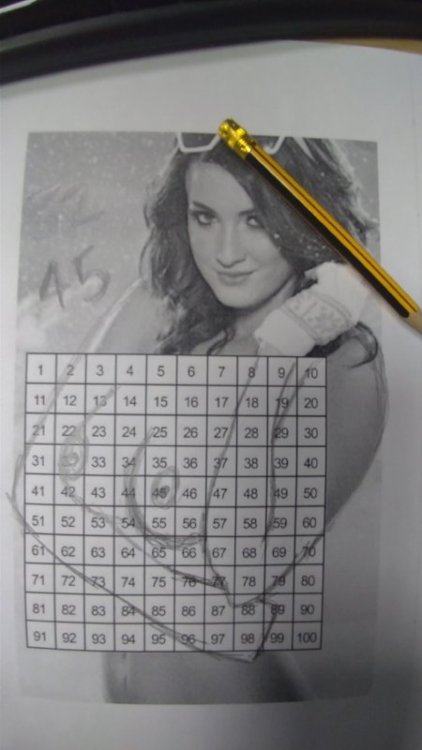
53 67

45 48

45,67

  • Author
15 hours ago, jeep said:

74 75

just the one nip

I suspect the fact she's old was a red herring

I've seen much worse with my own eyes

71-75

sDVxSJ2.jpg

64 67

57, 53

43, 56

Im currently playing like I’ve never seen tits

57 54

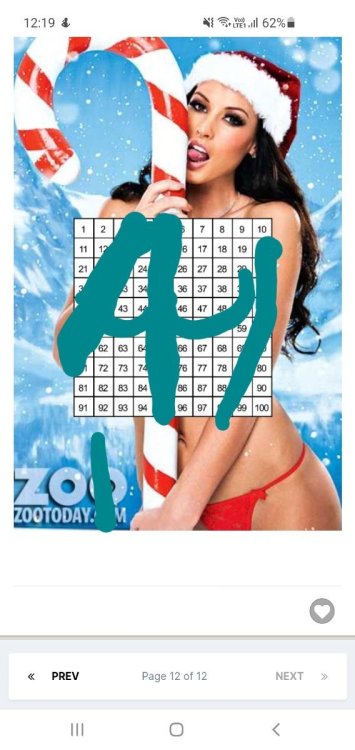
Nicole Aniston in case anyone is wondering 

53,57 

43 57

43 47

54 57

37 minutes ago, tomski said:

53,57 

Big fat copycat.

52, 57

53, 56

1 hour ago, DazBob said:

Big fat copycat.

Completely different from 57,53

44 47

53 59

Join the conversation

You can post now and register later. If you have an account, sign in now to post with your account.
Note: Your post will require moderator approval before it will be visible.

Guest
Reply to this topic...

Important Information

By using this site, you agree to our Terms of Use.

Account

Navigation

Search

Search

Configure browser push notifications

Chrome (Android)
  1. Tap the lock icon next to the address bar.
  2. Tap Permissions → Notifications.
  3. Adjust your preference.
Chrome (Desktop)
  1. Click the padlock icon in the address bar.
  2. Select Site settings.
  3. Find Notifications and adjust your preference.