Skip to content
View in the app

A better way to browse. Learn more.

Wanderers Ways. Neil Thompson 1961-2021

A full-screen app on your home screen with push notifications, badges and more.

To install this app on iOS and iPadOS
  1. Tap the Share icon in Safari
  2. Scroll the menu and tap Add to Home Screen.
  3. Tap Add in the top-right corner.
To install this app on Android
  1. Tap the 3-dot menu (⋮) in the top-right corner of the browser.
  2. Tap Add to Home screen or Install app.
  3. Confirm by tapping Install.

BattleNips: Advent

  • Replies 1k
  • Views 40.8k
  • Created
  • Last Reply

Top Posters In This Topic

Most Popular Posts

Posted Images

Featured Replies

35, 37

  • Author

sorry bout the late update

not one correct guess

plenty in the right columns

but no one even on the right line

24-27

lbNNbLE.jpg

They’re not tits. Glad you alive still though @Zico

64 59

65 68

66, 59

54 58

64 67

21 minutes ago, Zico said:

sorry bout the late update

not one correct guess

plenty in the right columns

but no one even on the right line

24-27

lbNNbLE.jpg

I've been waiting all day for that?? What a fucking letdown. 

65 and 59.

@Escobarp's favourite this one iirc.

56 59

64 67

Copying Rudy. 

38 minutes ago, DazBob said:

65 and 59.

@Escobarp's favourite this one iirc.

😍

64 68

74 68

65 58

66 69


64, 58

Has a look of Jimmy Carr

12 minutes ago, Spider said:

64, 58

Has a look of Jimmy Carr

🤣🤣 🤣 🤣 🤣

You're fucking right. You've just ruined every wank @Escobarp has had
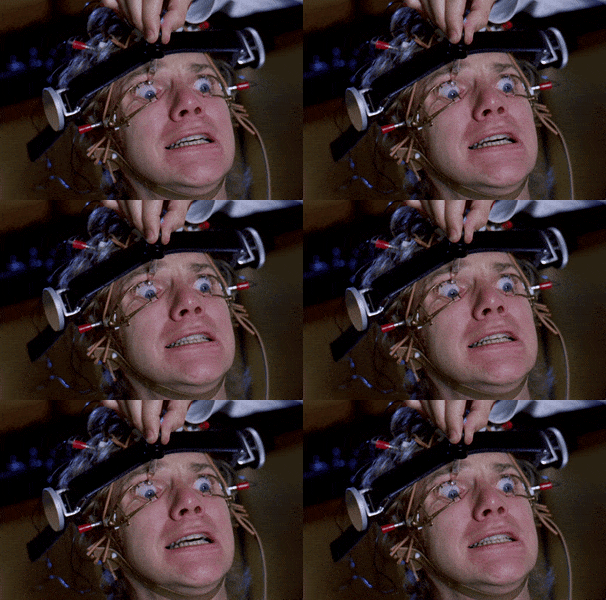
60, 66

Hate these night time ones because of the drink so rule of thumb is one either side of DazBob.

Join the conversation

You can post now and register later. If you have an account, sign in now to post with your account.
Note: Your post will require moderator approval before it will be visible.

Guest
Reply to this topic...

Important Information

By using this site, you agree to our Terms of Use.

Account

Navigation

Search

Search

Configure browser push notifications

Chrome (Android)
  1. Tap the lock icon next to the address bar.
  2. Tap Permissions → Notifications.
  3. Adjust your preference.
Chrome (Desktop)
  1. Click the padlock icon in the address bar.
  2. Select Site settings.
  3. Find Notifications and adjust your preference.